
Any pilot can post an event: a fly-in, a club meeting, a swap meet, a contest.
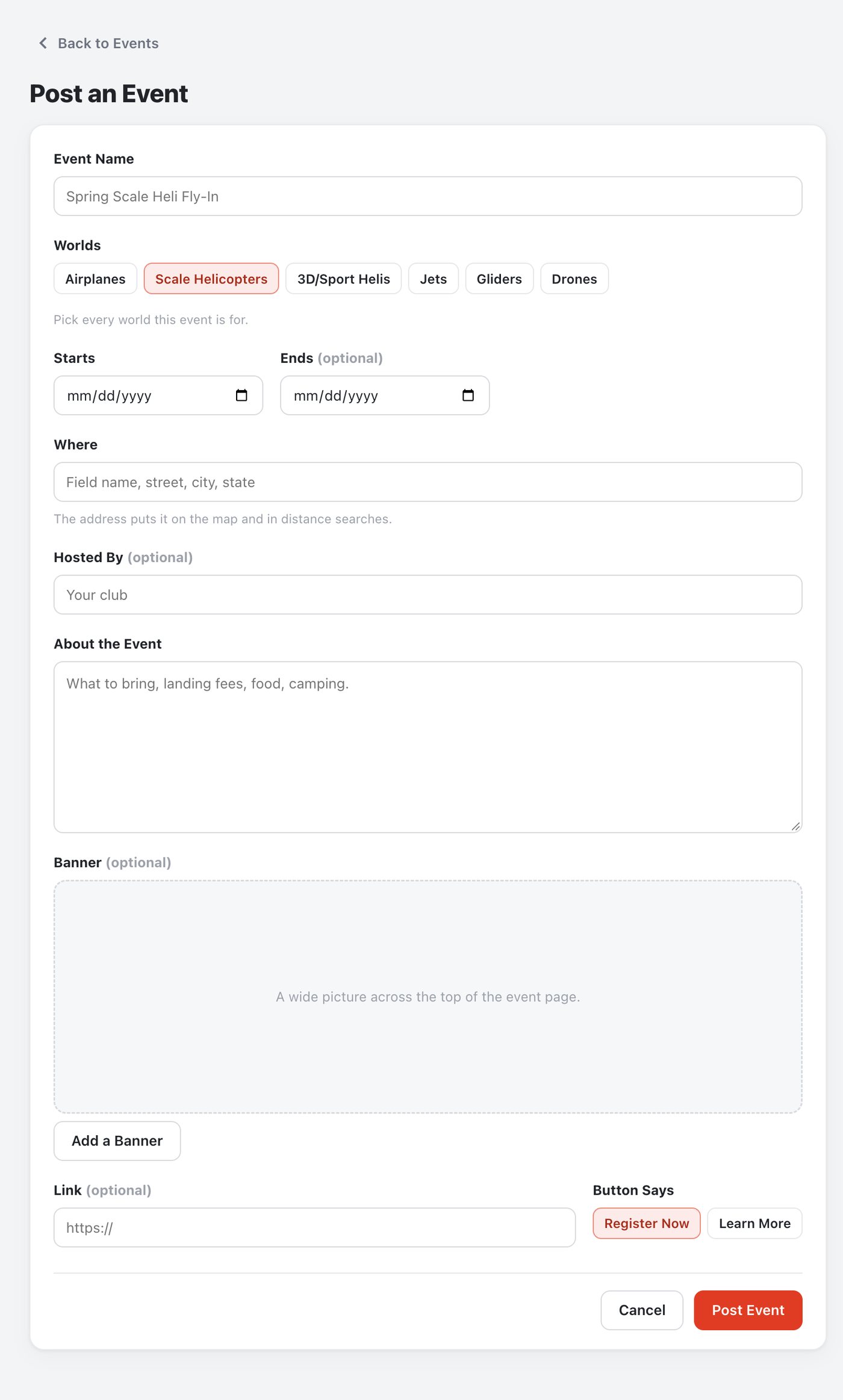
- Open Events and tap Post an Event (or tap Event on New Post).
- Give it an Event Name and pick every world it is for.
- Set when it Starts and, if it runs longer, when it Ends.
- Type Where: the field name and full address put it on the map and in distance searches.
- Add Hosted By, About the Event, a wide Banner and a Link if you have them. Choose whether the button says Register Now or Learn More.
- Tap Post Event.
To change it later, open it and tap Edit Event, then Save Event. Remove This Event takes it down. You can post up to 10 events a day.