
A model's page in Model Setups shows its setups, the gear pilots fitted to it, and the posts about it.
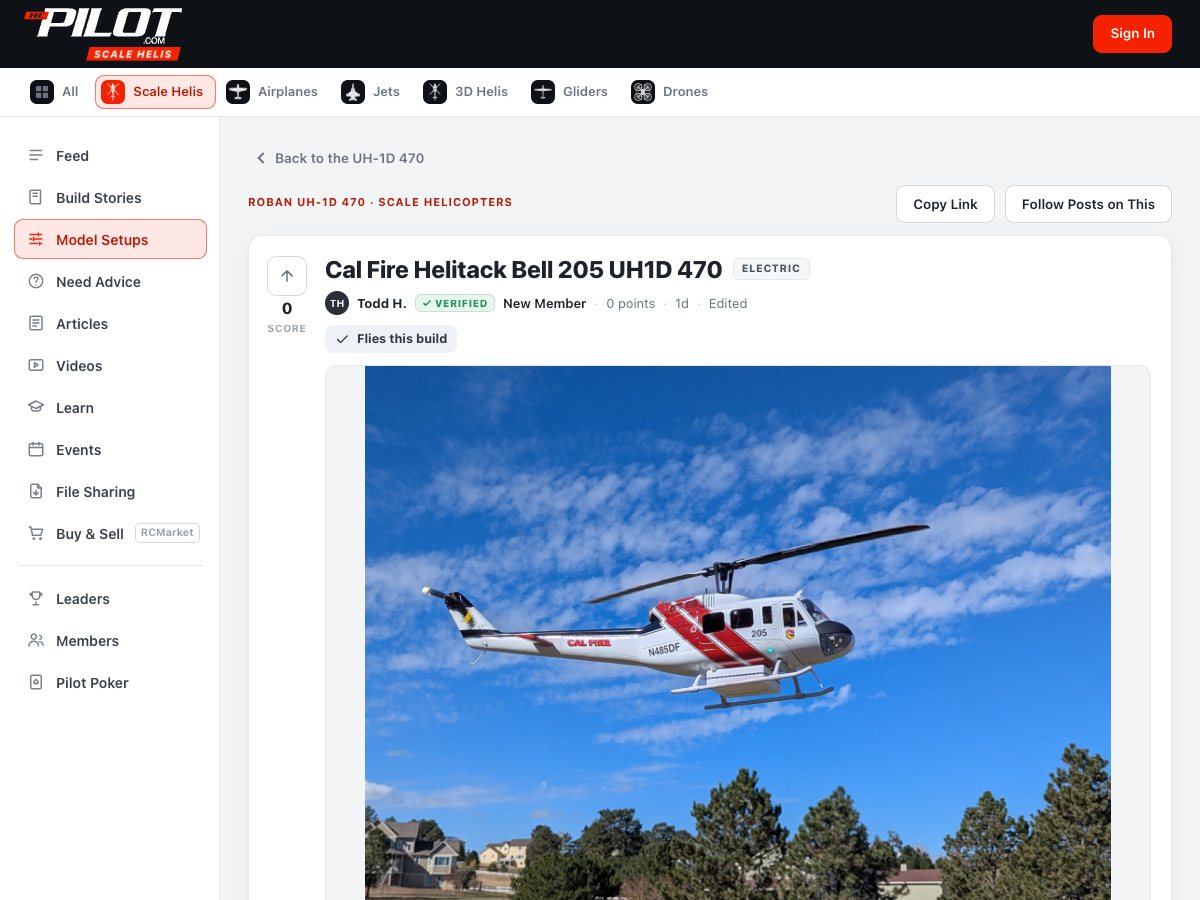
The model's page
- At the top: the model's photo, its Kit, Retail price, and Parts to Finish One, what the parts add up to. Visit Retailer opens the maker's or a shop's page when the model has one.
- Setups: every live setup for the model, sorted by Top Score, Most Flown or Newest.
- Compatible Gear: the parts pilots named for this model, question by question, with how many setups name each and its median price. Each part opens its own page.
- Posts: the posts filed under this model.
- Follow Posts on This follows the model, and Your Setup of This Model starts yours.
One setup
- Its name, its power, and its author, with their Verified badge and standing.
- How it is flown: Flies this build (the author keeps one in My Hangar), Planned build, or Stock Setup (the kit as its maker sells or recommends it).
- A row for each part, with its maker, its name, how many, and its price. Show All opens the rest. A part answered Stock reads As it came from the factory. A part that came with the kit is marked Included.
- The author's notes, the retail prices, and the comments.
Tap a setup's name to open its own page, where Copy Link copies its address to share.