
Every pilot has a public page: the one people see when they tap your name.
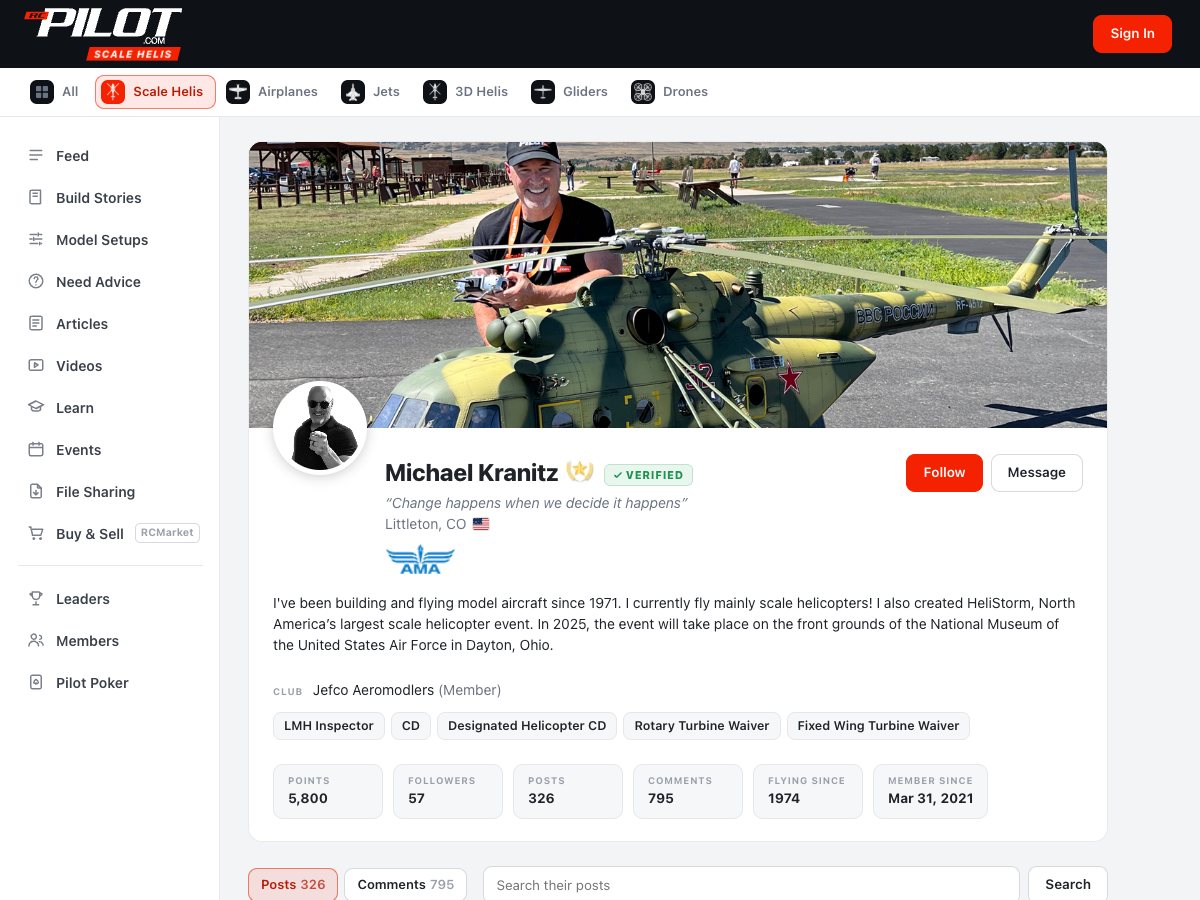
- Your banner and picture, your name with your badge icon, the Verified badge if you confirmed your phone, and the referral badge if friends joined with your code.
- Your motto, where you are with your country's flag, and the logos of the associations you belong to.
- What you wrote in About you, your club and your role in it, and your designations as tags.
- Your facts: Points, Referral Points (once you have some), Followers, Posts, Comments, Flying since and Member since.
- Your Posts and Comments, each tab with its own search.
Other pilots see Follow and Message at the top right, and a ... menu with Report Member and Block Member. On your own page you see Edit My Profile instead.