
Articles are RCPilot's long reads: build write-ups, how-tos and stories, written by pilots approved as Editors.
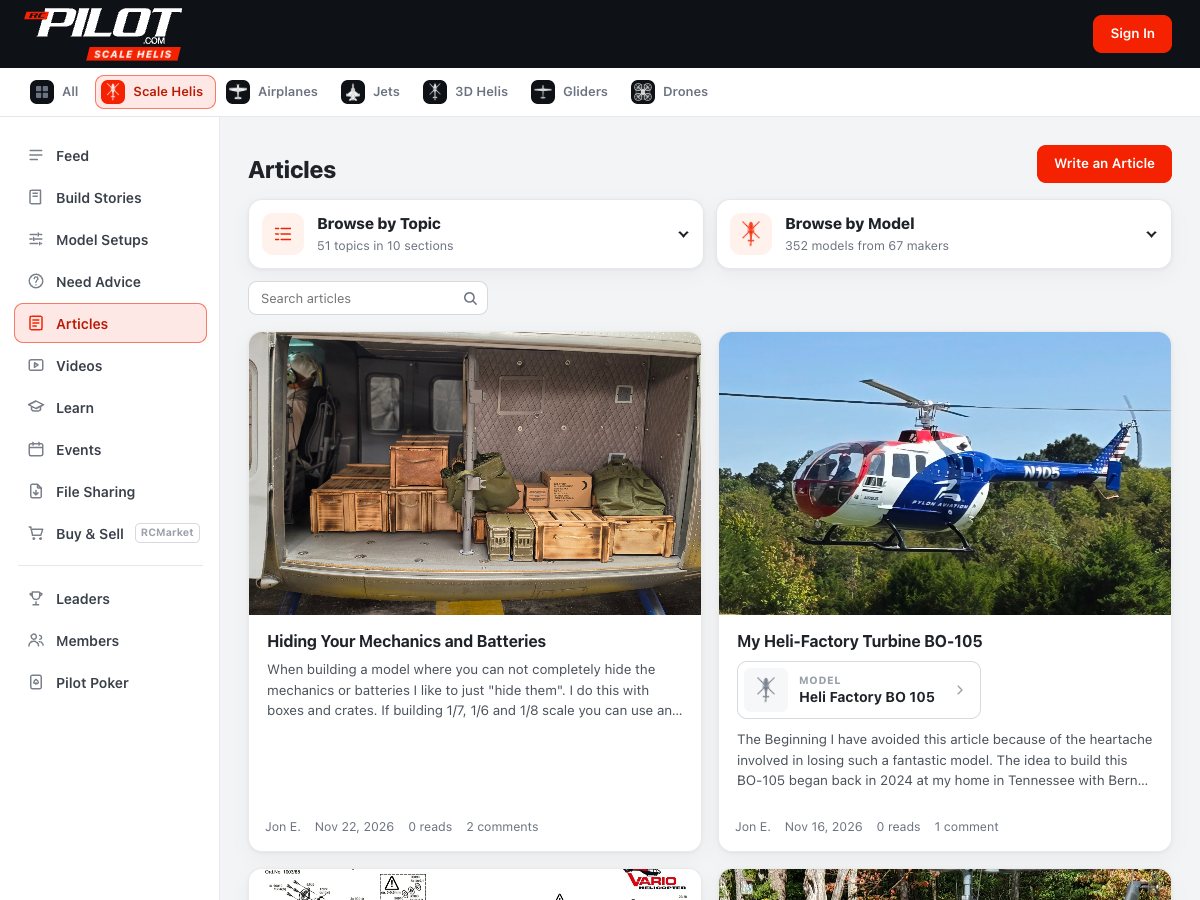
Open Articles in the left menu. Each world has its own, newest first; the All world shows them all. Narrow them with Browse by Topic, Browse by Model, or Search articles.
An article page has its banner, the title, its model and topic chips, the author and the date, then the article itself: words, photos, videos and more.
Reacting and Commenting
- Under the article, How People Feel About This Article: tap Helpful, Impressive or Fun, as many as apply. Tap again to take it back.
- Comments work as on a post: write one, reply to one, edit or delete your own, and Report one that breaks the rules. See Comments and Replies.
- An article that started as a post says so at the end, with Join the Thread to the post's own comments.
Signed out, a tap on a reaction or the comment box takes you to sign in first.
Sharing an Article
Tap Share at the top right:
- Post to Your Groups & Forums: one tap per Facebook group or forum you saved. See Your Groups and Forums.
- Share in a Post: a new post with the title and link filled in. Add your own words, then post it.
- Copy the Link, and on a phone Share With Another App.
A shared link shows the article's share card: its banner, world, title and author.