
Besides its topics, a post on RCPilot is filed under the one model it is about: every post about a HeliClassics Mi-171 is filed under HeliClassics, Mi-171.
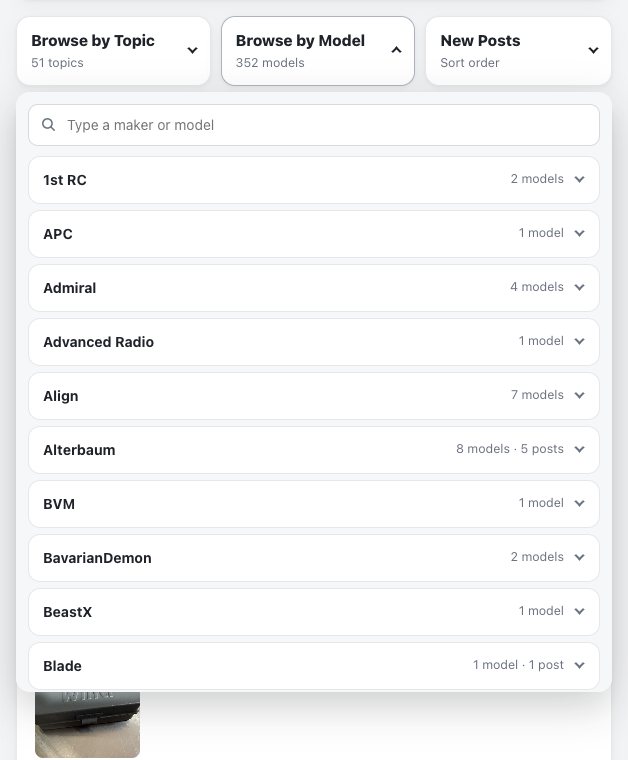
Tap Browse by Model above the feed. Makers are listed with their models, and each model shows how many posts it has.
Type in Type a maker or model, or open a maker, then tap a model. The list shows only the posts about it.
- A world lists its own aircraft plus the gear every world shares, such as radios, servos and batteries.
- On a phone, Models is in the bar at the foot of the screen.
- Each maker has its own page listing its models, with Follow Posts on ... for that maker.
- Each model has its own page with its setups, compatible gear and the posts about it, and Follow Posts on This. See Model Setups.
- On a world's first page, the row of makers and All Makers lead to the same places.
- When you post about a model, say so on the post form so the pilots who follow it find your post. See Creating a Post.